How to Deploy CrewAI to Production
A step-by-step guide to taking your CrewAI agents from local development to a production deployment. Covers containerization, APIs, scaling, job queues, versioning, and auth.
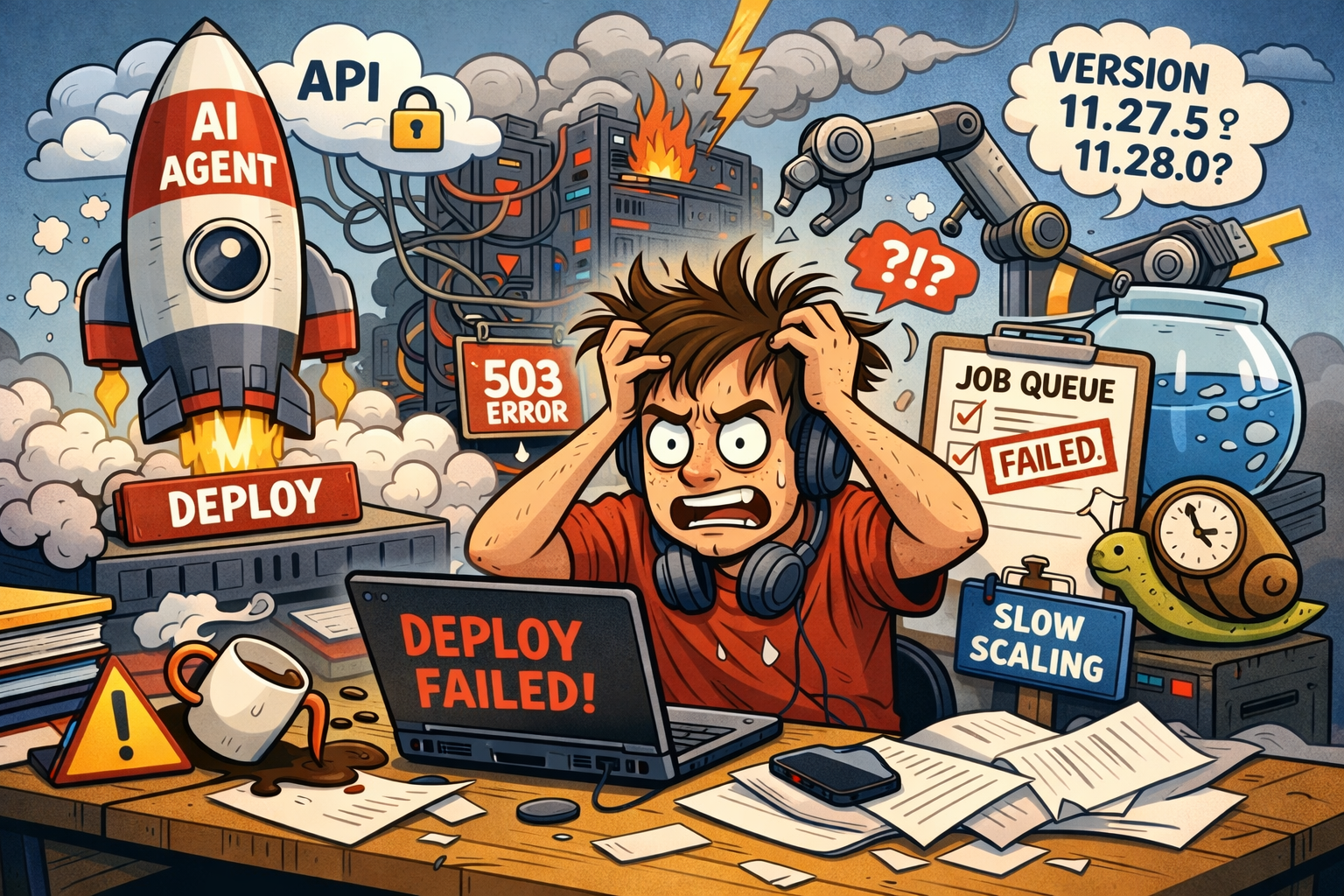
So you've built a CrewAI crew. Maybe it researches topics and writes reports, or processes customer data and spits out insights. It works on your machine, the output looks good, and now you want other systems—or other people—to be able to use it.
That's where things get interesting. There's a surprising amount of stuff between "it works on my laptop" and "it runs in production," and most of it has nothing to do with AI. This guide walks through the whole journey, step by step, in roughly the order you'd run into each problem yourself.
Step 1: You Need an API
Right now your crew runs as a Python script. You call crew.kickoff(), wait, and get a result. That's fine for development, but no other service can call a Python script sitting on your machine.
First order of business: stick an HTTP API in front of it. FastAPI is the go-to choice here:
from fastapi import FastAPI
from your_project.crew import YourCrew

app = FastAPI()

@app.post("/run")
def run_crew(inputs: dict):
    crew = YourCrew().crew()
    result = crew.kickoff(inputs=inputs)
    return {"output": result.raw}
Looks easy enough. But there's a catch you'll hit almost immediately—crew runs are slow. We're talking anywhere from one to ten minutes depending on how many agents you have, what they're doing, and how many LLM calls they need to make. Meanwhile, most HTTP clients and reverse proxies have timeouts way shorter than that. Nginx defaults to 60 seconds. Serverless platforms are often worse.
Your crew that happily runs for 8 minutes on your laptop? In production, the request just dies with a timeout error.
The fix is to not wait for the crew inside the request handler at all. Kick off the run in the background, hand back a run ID, and let the client check back later:
@app.post("/run")
async def start_run(inputs: dict, background_tasks: BackgroundTasks):
    run_id = str(uuid4())
    store[run_id] = {"status": "running"}
    background_tasks.add_task(execute_crew, run_id, inputs)
    return {"run_id": run_id}

@app.get("/run/{run_id}")
def get_run(run_id: str):
    return store.get(run_id, {"status": "not_found"})
Great, now you have an API. Next you need somewhere to actually run it.
Step 2: Containerize It
Your API needs a consistent environment every time it starts up. CrewAI pulls in langchain, openai, pydantic, and potentially dozens of other packages depending on what tools your agents use. All of those need to be installed, at the right versions, reliably.
Docker is the standard answer:
FROM python:3.11-slim
WORKDIR /app
COPY requirements.txt .
RUN pip install --no-cache-dir -r requirements.txt
COPY . .
CMD ["uvicorn", "main:app", "--host", "0.0.0.0", "--port", "8000"]
If any of your agents use browser-based tools—web scraping with Playwright, for example—your Dockerfile gets a lot uglier. You'll need Chromium and all its system-level dependencies, which bloats the image size and makes builds slower.
Then there's the question of where to host the container. Railway, Fly.io, AWS ECS, Google Cloud Run—there's no shortage of options, and each one comes with its own config format, networking quirks, and pricing model. Pick one, get it running, and move on. Because there's more.
Step 3: One Machine Isn't Enough
Here's something you'll figure out pretty fast: crew runs eat resources. Each one loads a full agent context, fires off dozens of LLM calls, and might run tools that chew through a lot of memory. If you try to handle several concurrent runs on a single server, you're going to run into memory pressure, CPU contention, and eventually OOM kills.
The obvious reaction is to just get a bigger server. That helps for a while, but you're also paying for all that capacity even when nothing is running.
What you really want is to spin up an isolated environment for each run:
- Runs can't step on each other
- When there's no work, you scale to zero and stop paying
- When a burst of requests comes in, you spin up more instances to match
This is where it stops being "deploy an app" and starts being "build a container orchestration system." Kubernetes is the usual answer, but running Kubernetes well—even managed Kubernetes on EKS or GKE—is basically its own job.
Step 4: Add a Job Queue
Now that runs happen in their own containers, something needs to coordinate the work. You can't just spin up a container inline when a request comes in—you need a proper queue.
The flow ends up looking like this:
- Your API gets a request and drops a job onto the queue
- A worker picks up the job
- The worker spins up a fresh environment, runs the crew, stores the result
- The client polls your API for the result (or you send a webhook)
For the queue itself, you'll need a message broker—Redis, RabbitMQ, SQS, something like that. Plus a task framework like Celery to actually run the jobs:
@celery_app.task(bind=True, max_retries=3)
def run_crew_task(self, crew_config: dict, inputs: dict):
    crew = build_crew(crew_config)
    result = crew.kickoff(inputs=inputs)
    return result.raw
And now you've got a whole new set of things to worry about: dead letter queues, retry policies, concurrency limits, monitoring. What happens when a worker crashes in the middle of a run? What if the queue starts backing up—how do you prioritize? All solvable, but none of it solves itself.
Step 5: Versioning Gets Tricky
This one sneaks up on you. Picture this: you have 10 jobs sitting in the queue, waiting to be processed. You deploy a new version of your crew—maybe you tweaked an agent's prompt or swapped out a tool. What happens to those 10 jobs?
If your workers always pull the latest code, those queued jobs run on the new version. Sometimes that's fine. But if you changed the input format or removed a tool the old config depended on, those jobs are going to break.
For production you need version awareness. Every job should be pinned to the version of the crew it was submitted against, and your workers need to be able to run older versions. That means:
- Tagging your container images properly (not just pushing to
latest) - Recording the version alongside every job in the queue
- Keeping older versions around so in-flight jobs can finish
- Having a way to roll back when a new version causes problems
At this point your "deployment" has turned into a proper system—container registry, version metadata, rollback procedures, maybe separate staging and production environments each with their own version history.
Step 6: Authentication and Security
Your API is on the internet now. If someone finds the URL, they can start kicking off crew runs—and those cost real money because every run makes LLM API calls that show up on your bill.
At bare minimum you need:
- API keys so only authorized clients can trigger runs
- Secret management for your LLM provider keys (OpenAI, Anthropic, etc.)—you don't want those hardcoded or scattered across worker configs
- Input validation to catch garbage inputs and prompt injection attempts
- Rate limiting so a buggy client can't accidentally blow through your API budget in an afternoon
If multiple people or teams are using your crew, add per-user keys, usage tracking, and audit logs to the list. None of this is AI-specific—it's standard web security stuff. But it all needs to get built.
Step 7: Observability
Alright. Your crew is deployed, containerized, queued, versioned, and locked down. It's running in production. And then one morning a run fails.
Why? Which agent hit the problem? Which task? What did the LLM actually respond with—was it a rate limit, a timeout, a weird tool output, or just a hallucination?
Without proper observability, you're basically guessing. What you need:
- Detailed logs from each run—not just "started" and "finished," but the actual trace of agent decisions, tool calls, and LLM responses
- Metrics on run duration, token usage, cost per run, success rates
- Alerts for when error rates spike or costs go past a threshold
- Run history so you can compare outputs across different inputs and versions
That means integrating with whatever logging and monitoring stack you use (Datadog, CloudWatch, Grafana, etc.), building custom dashboards, and adding instrumentation throughout your code. It's work.
Take a Step Back
Look at everything you've put together:
- An HTTP API in front of your crew
- A Docker container to package it
- Container orchestration for isolated execution
- A message queue to coordinate jobs
- A versioning system wired into your deploy pipeline
- Auth, rate limiting, and secret management
- Logging, metrics, and alerting
That's a lot of infrastructure. Every piece makes sense on its own, but stacked together it's a real system that needs real maintenance. And here's the thing—none of it is your actual product. All of it exists purely to let your CrewAI agents run somewhere other than your laptop.
Or: Deploy With Crewship
We built Crewship because we got tired of rebuilding this stack every time. All the infrastructure above—the containers, the queues, the versioning, the auth—it's handled for you.
Here's what the same deployment looks like with Crewship, starting from a standard CrewAI project:
Install the CLI
curl -fsSL https://www.crewship.dev/install.sh | bash
Log in
crewship login
Opens your browser for a one-time login. After that, API keys are managed through the Crewship console.
Set up your project
crewship init
This looks at your project, finds your CrewAI entrypoint, and creates a crewship.toml:
[deployment]
framework = "crewai"
entrypoint = "your_project.crew:YourCrew"
python = "3.11"
profile = "slim"
If your agents need a browser, just set profile = "browser" and Crewship takes care of the Chromium stuff.
Deploy
crewship deploy
Done. Your code gets packaged, built, and deployed. You get a deployment URL and a link to the console.
Add your secrets
crewship env set OPENAI_API_KEY=sk-... SERPER_API_KEY=...
Or just import your .env file:
crewship env import -f .env
Everything is encrypted and injected at runtime. Nothing gets baked into the image.
Run it
crewship invoke --input '{"topic": "AI agents in healthcare"}'
The CLI streams events as they happen—you can watch your agents work through their tasks in real time. For programmatic access, there's a REST API:
curl -X POST https://api.crewship.dev/v1/runs \
  -H "Authorization: Bearer YOUR_API_KEY" \
  -H "Content-Type: application/json" \
  -d '{"deployment": "your-crew", "input": {"topic": "AI agents"}}'
Everything from steps 1–7, included
All of that infrastructure you'd otherwise build yourself comes out of the box:
- Isolated execution — every run gets its own environment, no interference between runs
- Auto-scaling — scales up when there's work, scales to zero when there isn't
- Deployment versioning — each
crewship deploycreates a new version, roll back to any previous one with a click, keep staging and production separate - Execution traces — full visibility into agent actions, LLM calls, tool usage, token counts, and cost per run
- Webhooks — trigger runs from CI/CD, cron jobs, or Zapier with incoming webhooks; get notified on completion with outgoing webhooks to your backend, Slack, wherever; all signed with HMAC-SHA256
- Auth — token-based API authentication, generate and rotate keys from the console
- Real-time streaming — watch runs happen live over Server-Sent Events, or just poll for the result
Push a new version
Changed your agents? Just deploy again:
crewship deploy
New version goes live. In-flight jobs keep running on the version they started with. If something's off, roll back from the console. No downtime.
Hook it into your systems
Create an incoming webhook in the console and trigger runs from anywhere:
curl -X POST https://api.crewship.dev/webhooks/runs/YOUR_WEBHOOK_TOKEN \
  -H "Content-Type: application/json" \
  -d '{"topic": "AI agents", "year": "2025"}'
Set up an outgoing webhook so your backend gets notified when a run finishes—no polling needed.
Nobody's saying you can't build all of this yourself. Plenty of teams do. But it's a lot of engineering that doesn't move your actual product forward. Crewship handles the infrastructure so you can spend your time on the part that matters—making your agents better.
Get started for free—no credit card required.
Have questions about deploying your crew? Check out the docs or reach out—we're happy to help.